Growth
Highlights the Correct Answer
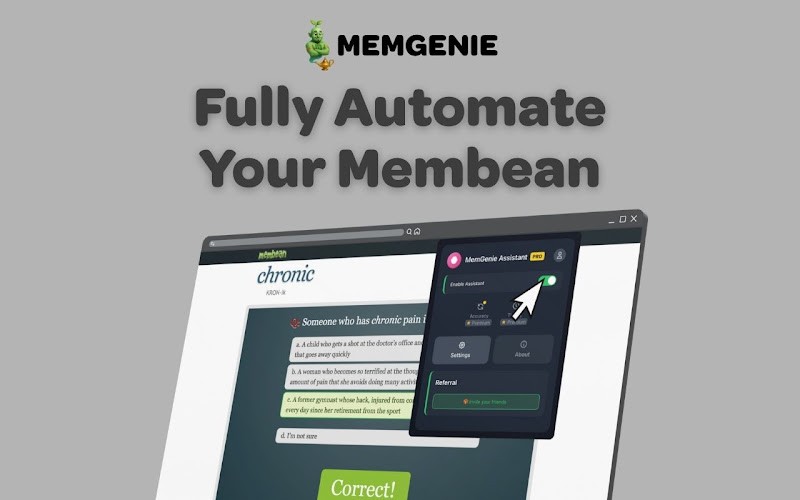
MemGenie instantly highlights the correct answer in green so you always know exactly what to select — no guessing, no second-guessing, just the right answer every time.
3 min read
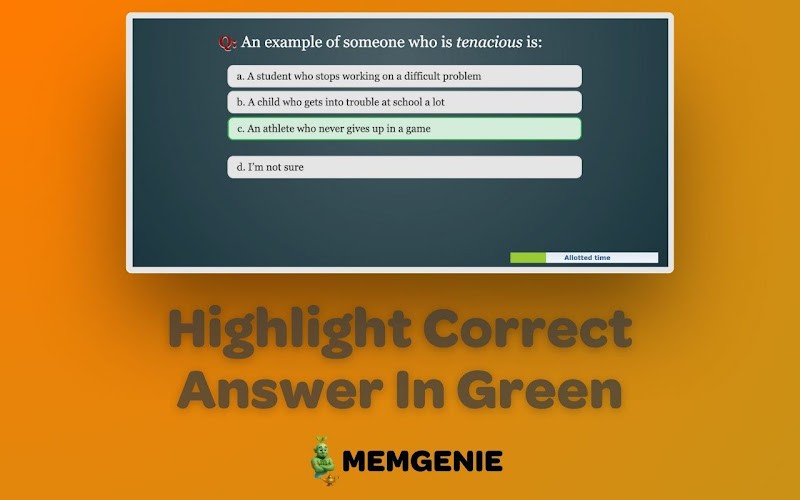
MemGenie is a free Chrome extension that highlights the correct answer in green during Membean training sessions. Instead of guessing between answer choices, the right option is immediately marked so you can select it and move on — faster and without errors.
What Does "Highlights the Correct Answer" Mean?
When you're doing a Membean training session, each exercise presents you with multiple answer choices. Normally you'd have to read through them, think about the word, and make your best guess.
With MemGenie installed, the correct answer lights up in green the moment the question loads. You don't have to think about it — you just click the highlighted option and move forward.
It sounds simple, but it changes the entire experience of using Membean. Sessions that used to take 20 minutes of actual effort become something you can breeze through in a fraction of the time.
How It Works
When you load a Membean exercise with MemGenie active, the extension reads the page and identifies the correct answer from the available choices. It then applies a green highlight to that answer before you interact with anything.
The whole process happens in real time — there's no delay between the question loading and the answer being marked.
Is This Feature Available on the Free Plan?
Yes. Answer highlighting is included on MemGenie's free plan, which costs nothing and requires no credit card. You don't need to upgrade to Pro to get it.
Here's how the plans compare on this feature:
Free Plan — $0/month
Highlights correct answer in green ✓
15 minute weekly cap
Not fully automatic
Pro Plan — $1.99/month
Highlights correct answer in green ✓
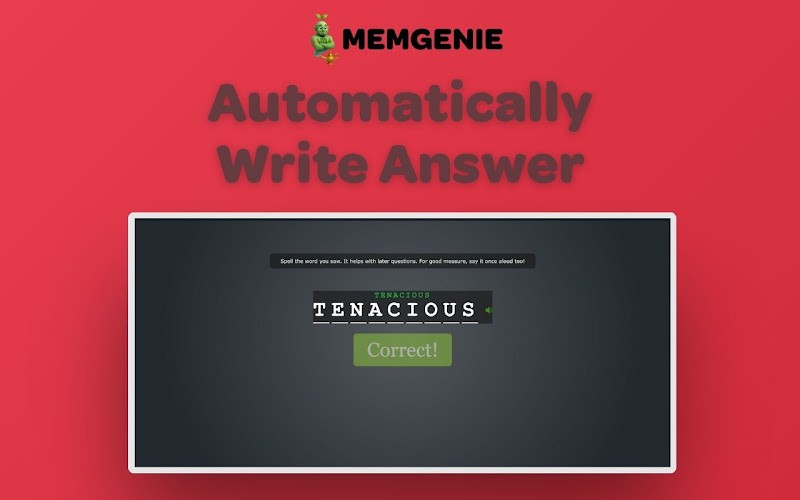
Fully automatic — selects the answer for you too
Unlimited usage
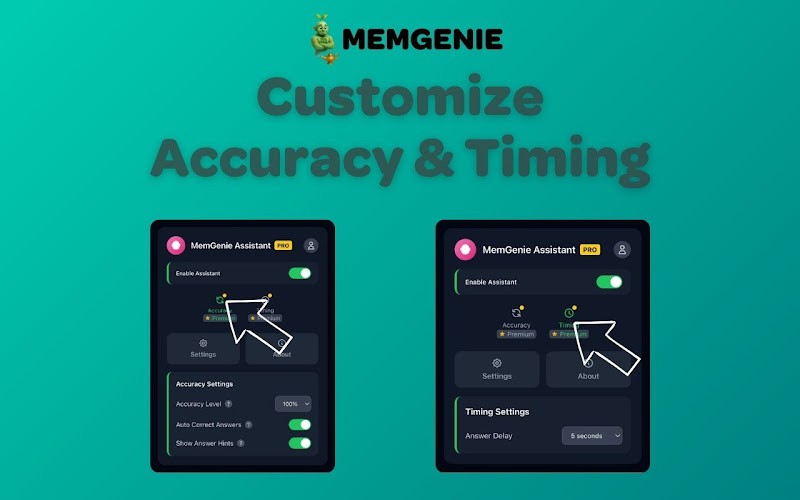
Customizable accuracy and timing
On the free plan, MemGenie shows you the answer and you click it yourself. On Pro, MemGenie highlights it and clicks it automatically — you don't have to do anything at all.
Answer Highlighting vs Full Automation — What's the Difference?
These are two different levels of assistance:
Highlighting only (Free): MemGenie marks the correct answer in green. You still click it yourself. You're in control, just never guessing.
Full automation (Pro): MemGenie highlights the answer and selects it for you, with realistic timing delays so it doesn't look robotic. You don't touch anything.
For students who just want to stop wasting time guessing, the free highlighting feature alone is enough. For students who want to run Membean completely hands-off, Pro takes it the rest of the way.
View more articles
Learn actionable strategies, proven workflows, and tips from experts to help your product thrive.