Workflows
Automatically Writes The Correct Answer
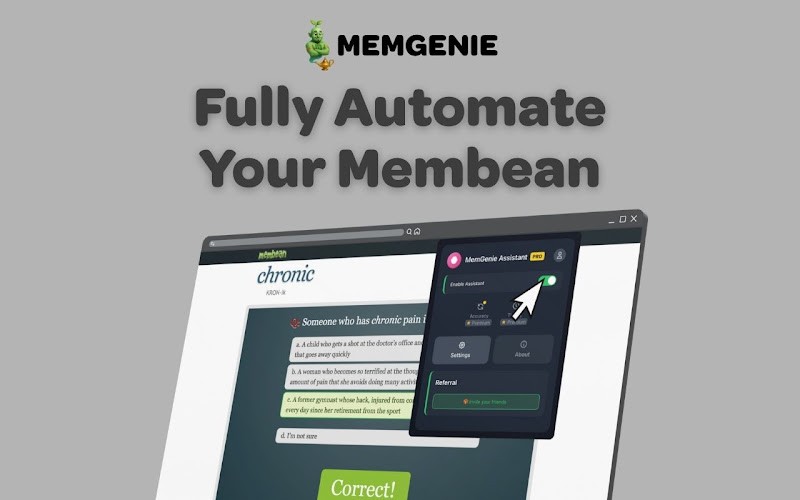
MemGenie automatically types the correct answer during Membean training — mimicking real human typing patterns so it stays undetectable. Here's how it works.
7 min read
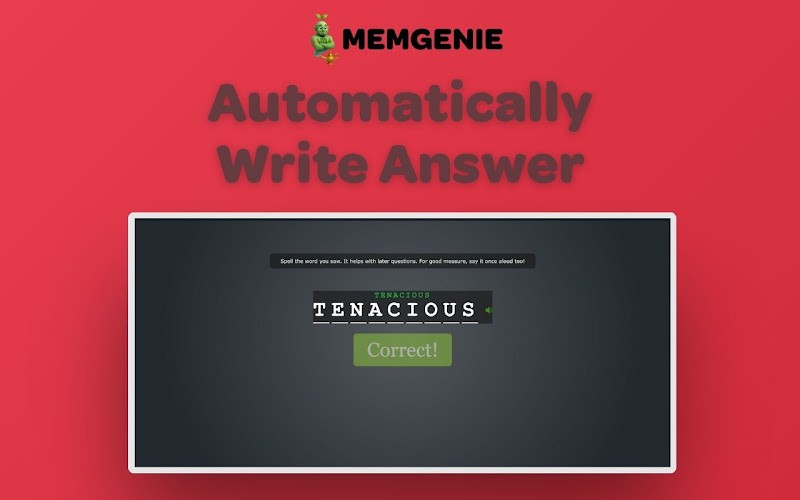
MemGenie is a free Chrome extension that automatically types the correct answer during Membean training sessions. It doesn't just paste the word in — it types it character by character with realistic delays and occasional mistakes, mimicking how a real student would type.
What Does "Automatically Writes the Correct Answer" Mean?
Some Membean exercises require you to type the answer rather than click a multiple choice option. These are slower and more tedious than clicking — you have to recall the word, spell it correctly, and type it out every time.
MemGenie eliminates this entirely. When a typing exercise loads, MemGenie identifies the correct answer and types it into the field automatically. You don't touch your keyboard at all.
How MemGenie Types — and Why It Matters
The way MemGenie types is what makes this feature stand out. A lot of basic automation tools just paste the answer in instantly — one millisecond, word appears, done. That's an obvious red flag if anyone looks at your activity.
MemGenie does it differently:
Character by character typing MemGenie types the answer one letter at a time, just like a human would. The word appears gradually rather than all at once.
Realistic timing between keystrokes There's a natural delay between each character. Not perfectly even — varied, the way real typing actually looks.
Intentional mistakes and corrections MemGenie occasionally types a wrong letter and then corrects it, replicating the small errors real students make. This is one of the hardest human behaviors to fake, and MemGenie does it automatically.
The result is typing behavior that is indistinguishable from a real student working through the exercise normally.
Is Auto-Typing Available on the Free Plan?
Auto-typing is part of MemGenie's full automation feature, which is available on the Pro plan at $1.99/month. Here's how the plans break down:
Free Plan — $0/month
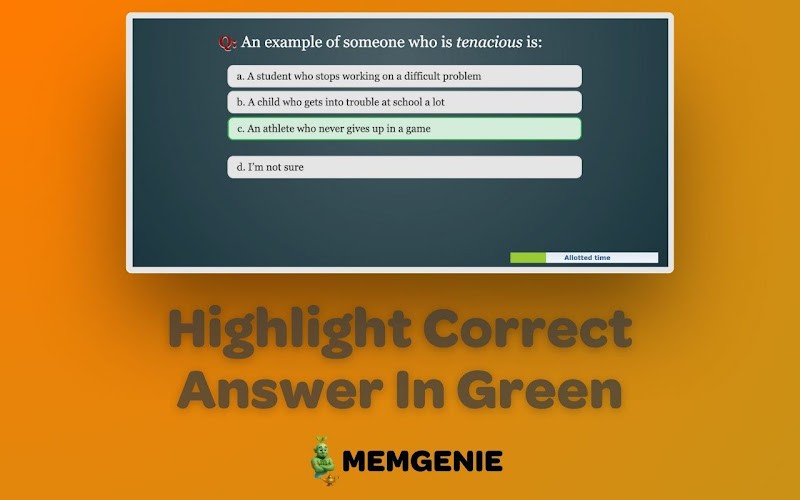
Highlights the correct answer in green ✓
15 minute weekly cap
Manual clicking required
Pro Plan — $1.99/month
Automatically types the correct answer ✓
Fully automatic — no clicking or typing required
Unlimited usage
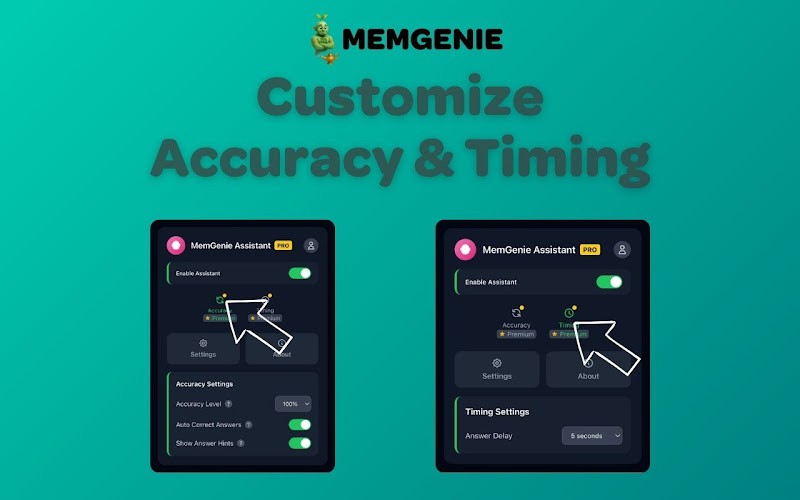
Customizable accuracy and timing
Fully undetectable
If your Membean exercises include typed responses, the Pro plan is what handles those completely hands-off.
Auto-Typing vs Answer Highlighting — What's the Difference?
Answer highlighting (Free): MemGenie marks the correct multiple choice answer in green. You still click and type yourself — just never guessing.
Auto-typing (Pro): MemGenie types the answer for you with human-like behavior. You don't interact with the page at all.
For students who have a lot of typed exercises in their Membean training, auto-typing is the feature that saves the most time.
View more articles
Learn actionable strategies, proven workflows, and tips from experts to help your product thrive.